 Playto
Playto
Playto
Real-time game translation with built-in language learning. Works with any PC game.
From real-time translation to 8 quiz modes and AI-powered tools, Playto turns your gaming time into study time.
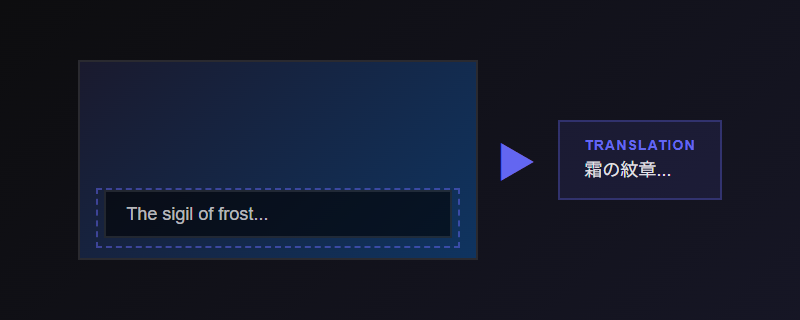
Instantly translate any text on screen. Draw a region or let it auto-detect. No game modification needed.
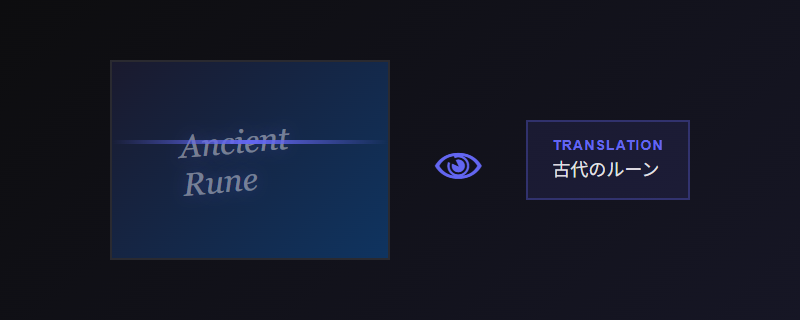
AI reads the game screen directly — no OCR needed. Understands context, UI elements, and stylized text that OCR can't handle.
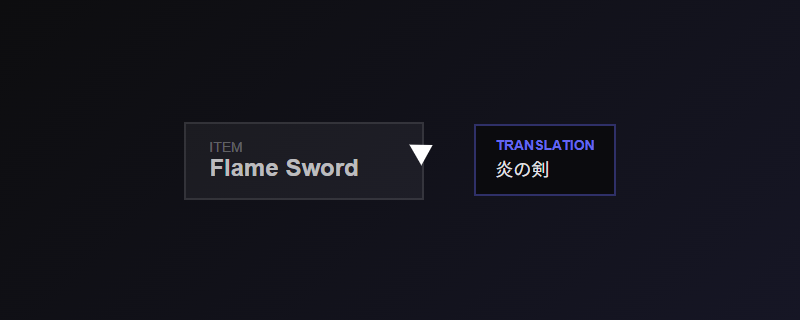
Hover over any text to translate. Follows your cursor in real-time. Only possible with local AI.
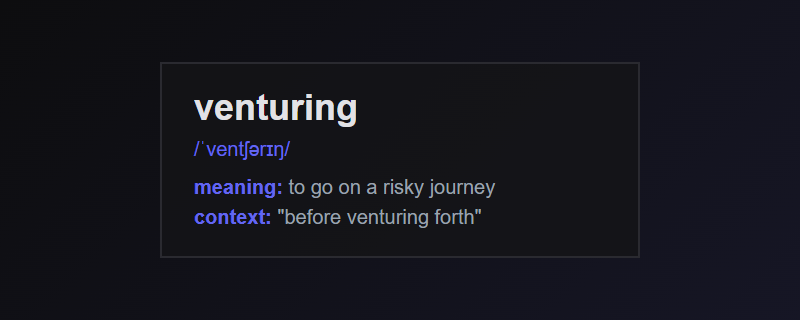
Tap any word for context-aware definitions. Game terminology explained.
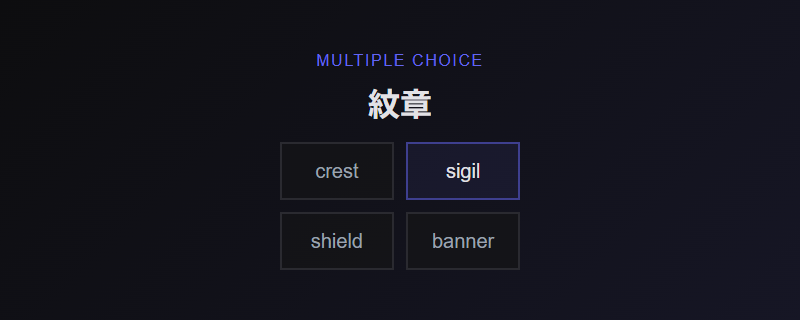
Flashcard, Multiple Choice, Fill Blank, Dictation, Meaning Match, Sentence Reorder, Context Quiz, and Pronunciation. Built from words you encounter in-game with SRS scheduling.
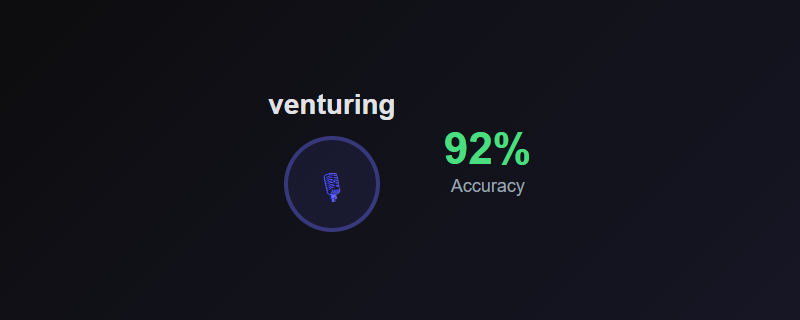
Whisper-based local speech recognition. Practice saying words and sentences — runs entirely on your CPU, no cloud needed.
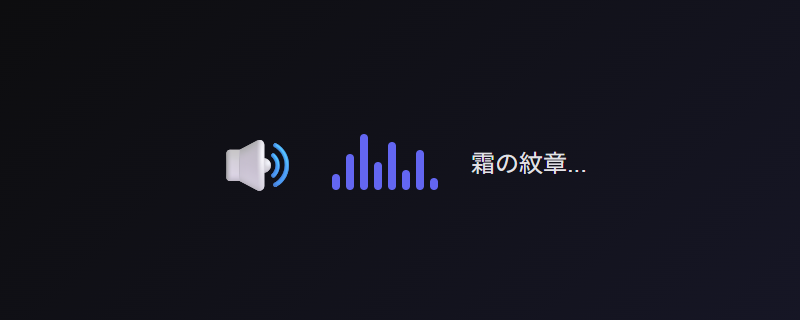
Hear pronunciations in the target language. Learn how words actually sound.
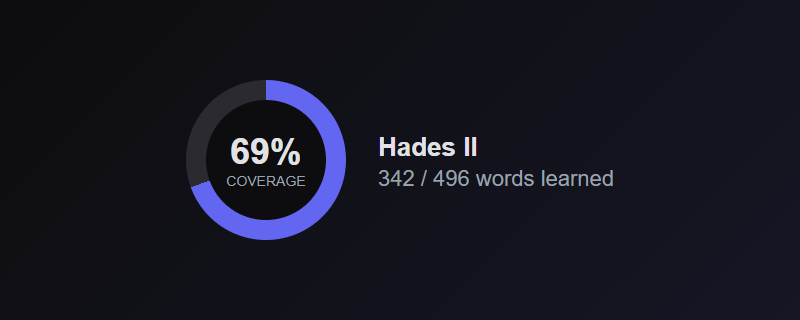
Track what percentage of each game's vocabulary you've learned. See your comprehension grow over time.
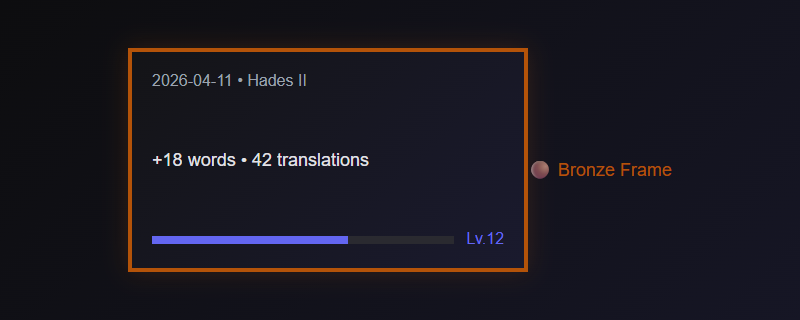
Daily learning summary cards with your stats, level, and streak. Shareable to social media. Card frames upgrade as you level up — Bronze, Silver, Gold, Platinum, Rainbow.
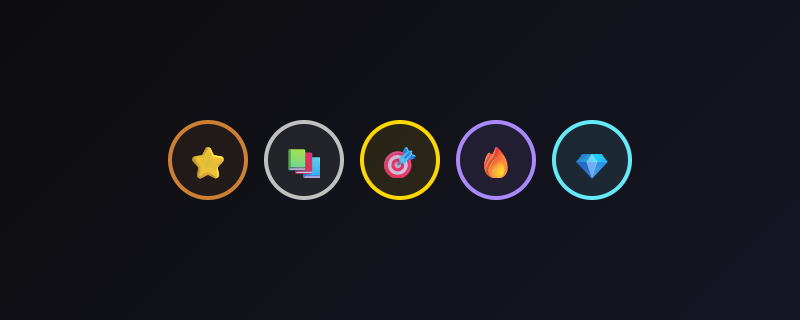
13 collectible badges across Bronze, Silver, Gold, Diamond, Epic, Legendary, and Rainbow tiers. Level up to unlock card frame upgrades.
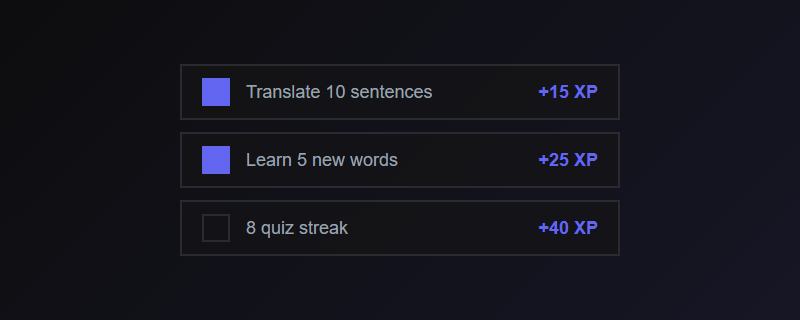
3 daily challenges — translate, learn words, ace quizzes. Earn bonus XP and complete all three for an extra reward. Refreshes at midnight.
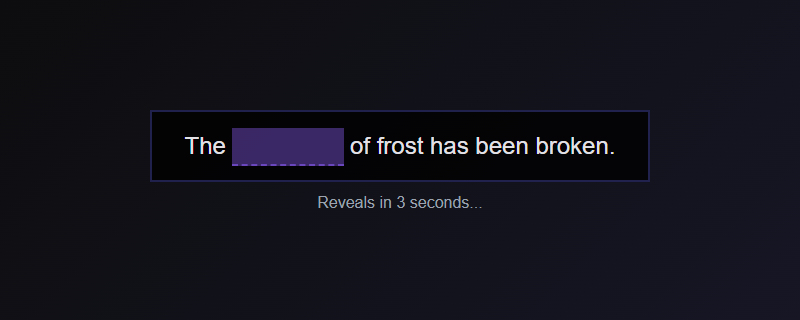
Fill-in-the-blank vocabulary test right in the translation overlay. Words auto-reveal after 3 seconds. Learn passively while you play.
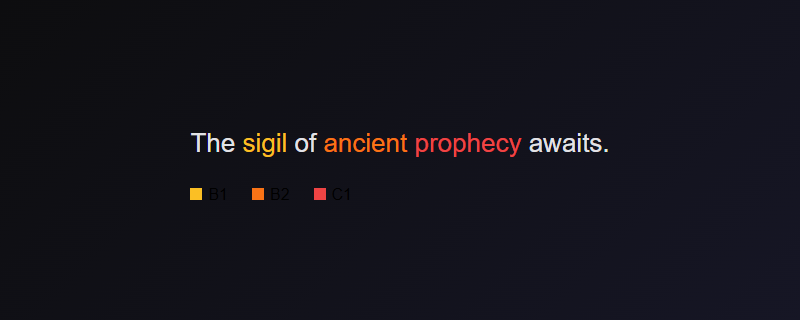
Words in the overlay are color-coded by CEFR difficulty level (A1-C2). Instantly see which words are beginner-friendly and which are advanced.
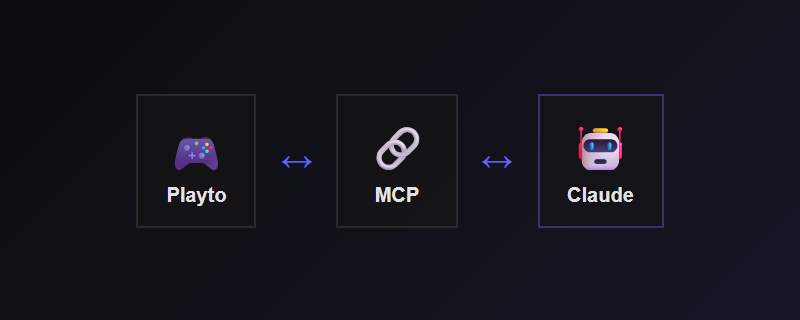
Connect Claude to your learning data via MCP. Search your vocabulary, analyze progress, build glossaries, and get personalized study advice.
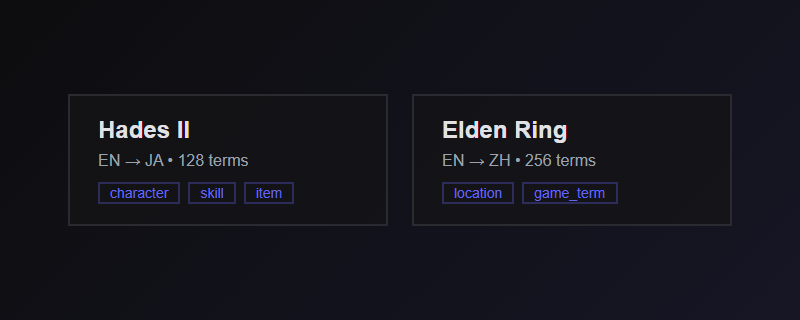
Per-game profiles with custom glossaries, capture settings, and translation prompts. Share packs with other learners playing the same game.
Choose any Ollama-compatible model — or use our recommended models optimized for game translation. Download with one click, run entirely on your PC.
No API keys. No subscription. No limits.
Cloud API keys (OpenAI, etc.) are also supported for users without a dedicated GPU. Some features like cursor translation work best with local AI.
No configuration files. No game mods. Just launch and play.
Start playto, then start your game. The overlay sits on top of any window.
Draw a box around subtitles or dialogue, or hover with cursor translation.
Translations appear instantly. Save words to review later with built-in SRS.
Start free. Upgrade when you want the full experience.
Powered by local AI (Ollama) or cloud APIs.
Windows 10/11. No account required.
System Requirements: GPU with 4GB+ VRAM (NVIDIA CUDA / AMD / Intel Vulkan, 6GB+ recommended) • 8GB+ RAM • ~5GB disk for models • No GPU? API mode works on any PC